
If you have a number whose owner you want to know, then there is no official method for this. But still there are some easy ways by which you can find out in whose name the number is registered.
If you have that SIM, then you can know its real name very easily through OTP. But if you do not have the SIM, then you can see the name of that number with the help of Truecaller app. However, Truecaller does not always show the correct information, as it depends on the user’s saved name. Apart from this, you can also get information from the customer care of the SIM company, but for this it may be necessary that you give some verification details. In some cases, government apps like mAadhaar or Digilocker may also show the name of the Aadhaar card linked to your number.
In this post I have told step by step how to easily find out in whose name the SIM card is?
Please note that it is illegal to obtain someone else’s personal information without their permission. Doing so may result in legal action. This article has been written only for the purpose of Shikha. So that you can know the information about your number.
How to find out in whose name the SIM card is registered?
1. First of all Truecaller Download the application. And after opening the app, choose the language as per your choice. Then after that click on Get Started here.
If you already have Truecaller app in your phone then all you have to do is open it and search for that number. But if there is no app then these steps have to be followed carefully.
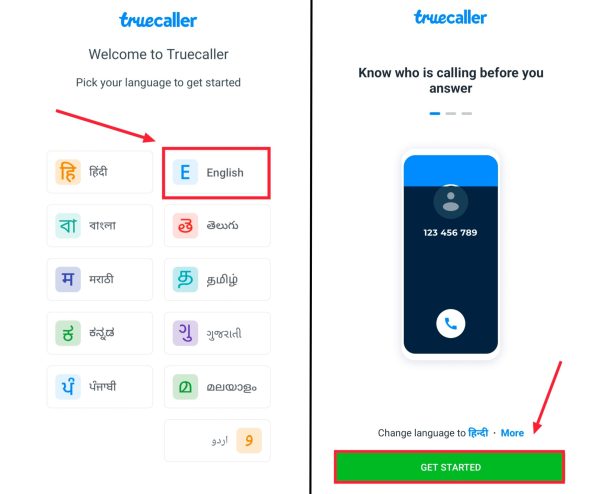
2. Now you will be asked for some permissions. All you have to do is tick Truecaller and click on Set As Default.
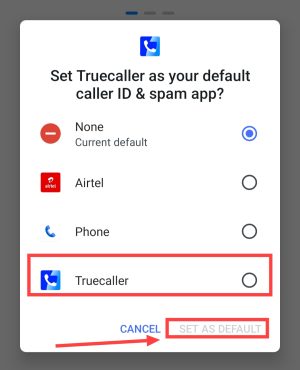
3. Now permission notification will come. Click on Continue here.
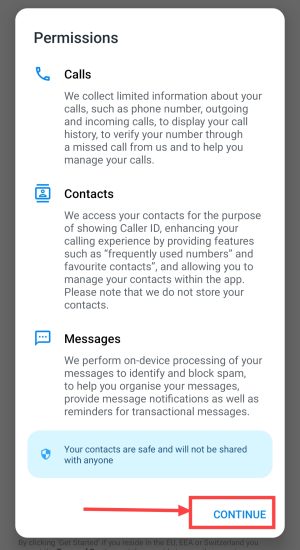
4. Now click on Allow and allow all the permissions like Calls & Notification, Location etc.
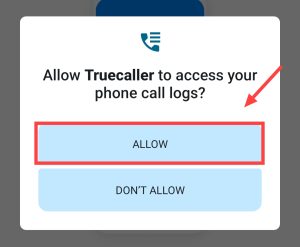
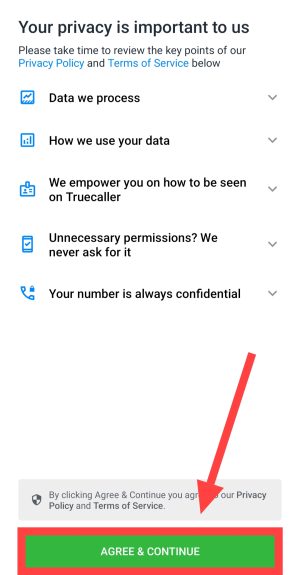
5. After this now click on Agree & Continue.
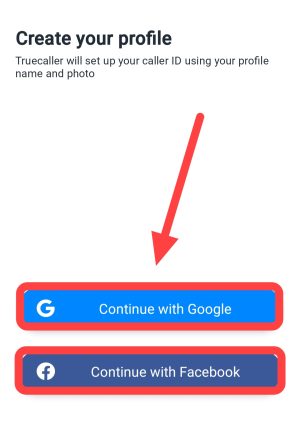
6. Now click on Sign Up With Google or Facebook to sign in to Truecaller app through Google or Facebook.
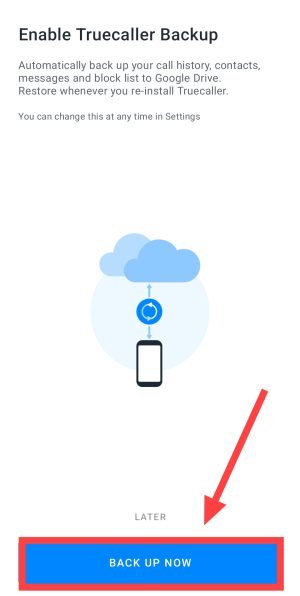
7. Now Truecaller will ask you for backup. Click on Later here. Or click on Backup Now and turn on backup.
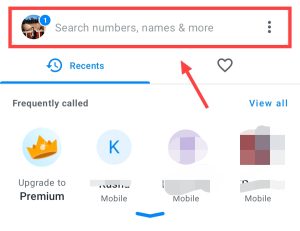
8. Now click on the box appearing above Search Number, Name & More. Here enter the number of the SIM card owner whose name you want to know.
9. Now there will be some loading and you will easily know the name of its owner.
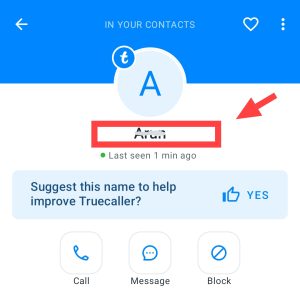
In this way, you can easily know the name of the owner of any number with the help of Truecaller. But if you have access to that SIM card or OTP then you will be able to know the real name.
How to know the name of the SIM card owner from the official app?
1. First of all you need to know about SIM (Airtel, live, VI, BSNL) to download the app. Meaning, whichever company your SIM belongs to, you have to download its app.
Note: Here we are using Airtel app as an example.
2. Now after opening the app of that company, allow all the permissions. and then After this enter your phone number and then verify with OTP and login.
3. Now click on Profile Icon.
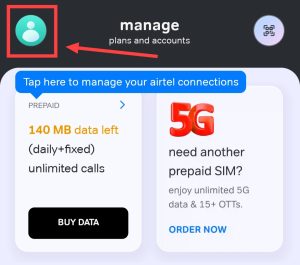
4. Here you can see the name of the person in whose name the SIM is at the top of the app itself.

In this way you can easily find out in whose name your SIM card is registered. Along with this, you will also be able to know the name of the SIM owner by calling customer care.
Find out from customer care in whose name the SIM is registered
You can also find out in whose name your mobile number or SIM card is registered by calling customer care. You just have to provide some information related to your number for verification like your name, address and registered email ID etc.
- First of all you have to connect to your SIM 198 Have to call.
- Now you have to choose the option to talk to the customer care officer.
- After the call is connected, you have to request them to provide information in whose name the SIM is registered.
- After some verification, you will be told in whose name your SIM is registered.
In this way you can easily get information about your number or SIM card.
Also read: