
Nowadays, the size of every HD video is around 1GB, and if you have less space in your hard disk or mobile, then this post can be very useful for you. However, there are many other benefits of compressing videos, if you are a Youtuber then you can save a lot of time and data at the time of uploading by working out the size of your videos.
In this post, the easiest ways have been described to compress a video or reduce its size.
How to reduce the size of online video?
1. First of all clideo.com/compress-video Go to website. Then Click on Choose Files.
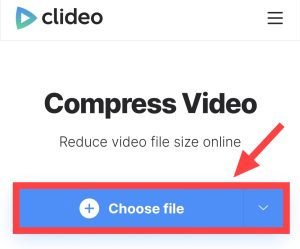 2. Now select the video from the gallery whose size you want to reduce, then it will start uploading automatically.
3. Now here you have to leave all the options as default and click on Compress.
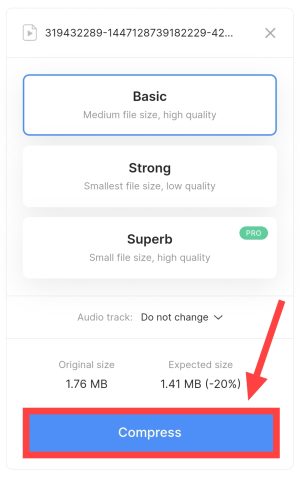
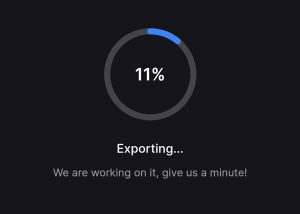
4. Now the exporting process will start. You wait a little.
5. Now download the video by clicking on Download.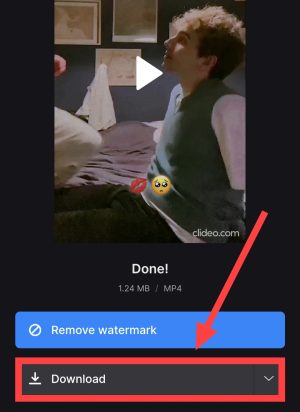
If this website does not work then you can use the mobile app.
How to reduce video size through mobile app?
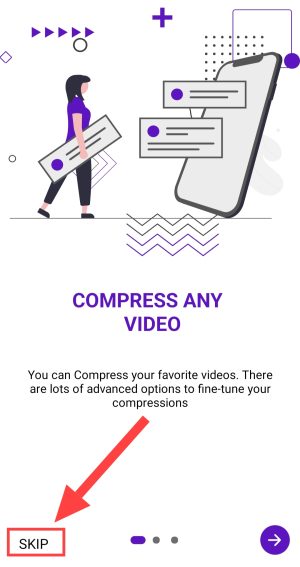
1. First of all download the app called Compress Video. Then After opening the app, click on Skip.
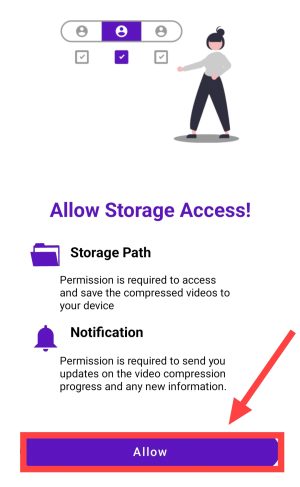
2. Now click on Allow and give all the permissions.
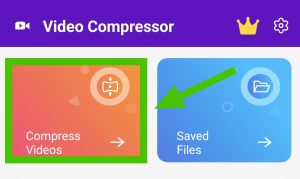
3. Click on Compress Video here.
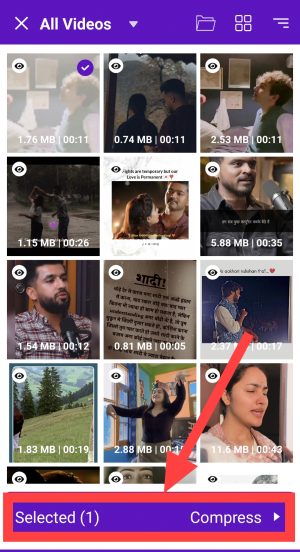
 4. Now select that video from the gallery and then click on Compress.
 5. Now you can choose Tiny, Small, Medium and Large size as per your choice. Then click on Compress.
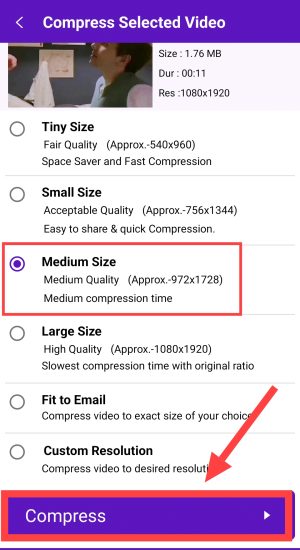
6. Now after some processing time, your compressed video will be automatically saved in the device.
In this way, you will be able to reduce the size of any of your videos very easily and make it from 500MB to 50MB.
Also read:






![[FREE] Check Call History of Any Mobile Number Online](https://www.techtrends.blog/wp-content/uploads/2026/01/FREE-Check-Call-History-of-Any-Mobile-Number-Online.webp-330x220.webp)