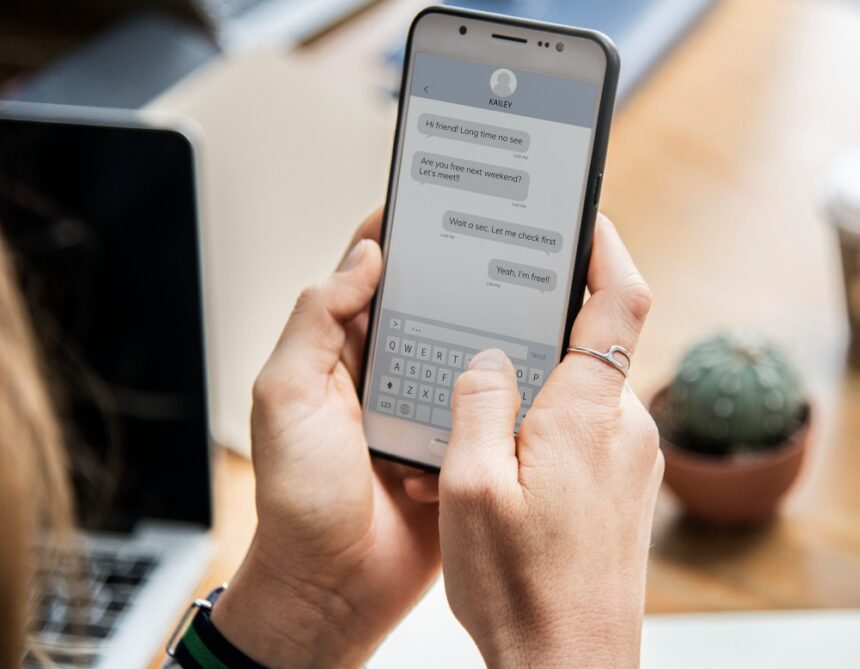
WhatsApp has become a major messaging application across the world. And nowadays everyone uses it. You can use Whats Dual application to view WhatsApp Chat of any person. In this post, I will tell you how you can easily read someone else’s WhatsApp Chat or WhatsApp messages in your phone.
How to see other’s WhatsApp Chat (Messages) in your mobile?
For this, first go to Play Store Whats Dual Download the application. This application is available on Play Store, hence it is a trusted application. You can use it.
1) With the help of QR code
1: After downloading the Whats Dual application, open it. After this choose the language as per your choice. Now you will see a QR code on the screen.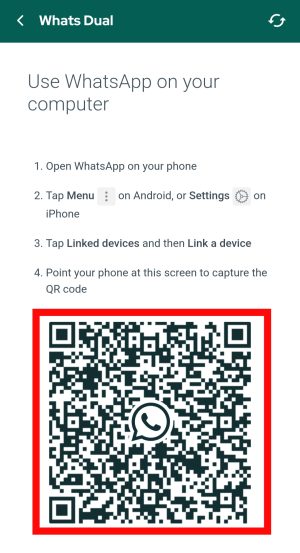 2: Now scan this QR code from the mobile of the person whose WhatsApp chat you want to see.
3: For this, first of all open WhatsApp application in that person’s mobile. After this, click on the 3 dots seen above and click on Linked Devices.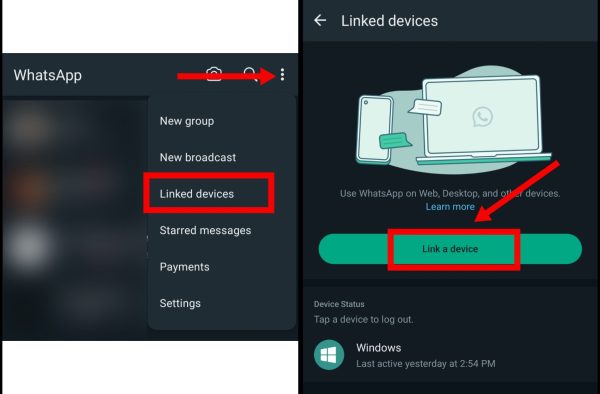 4: Now click on the Link a Device button. Enter the person’s mobile password for verification. After this scan the QR code shown in the Whats Dual application.
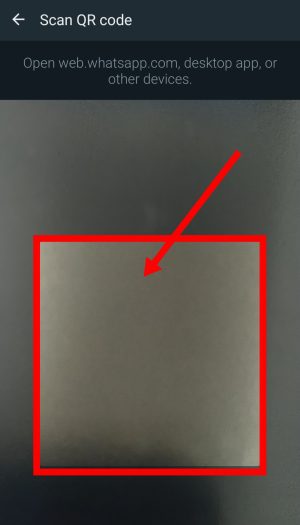 5: After doing this, that person’s WhatsApp will open in your mobile.
You can completely control that person’s WhatsApp. You can chat, see status, read chats and get complete information about contacts.
If you have any problem in scanning the QR code then you can try the second method mentioned below.
2) WhatsApp from mobile number
1: First of all open Whats Dual application. After this click on Link With Mobile Number visible below the QR code.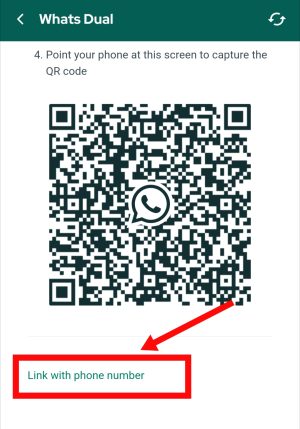 2: First select your country. After this enter the WhatsApp number of that person and click on Next. Now you will see a code on the screen.
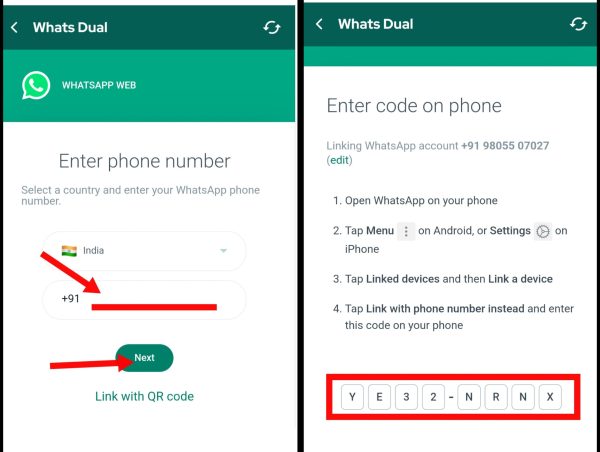 3: After this, open the WhatsApp application in the mobile of the person whose WhatsApp chat you want to see.
4: After this, click on the 3 dots above and click on Link a Device. After this, click on Link with Mobile Number shown below in the QR code scanning option. 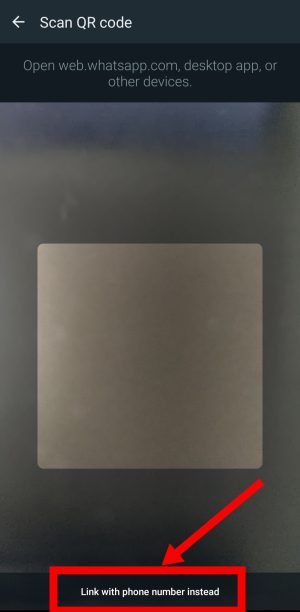
5: Now enter the code of Whats Dual application here. After some time of coding, that person’s WhatsApp will open in your mobile.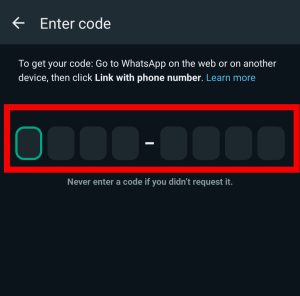 Using this process, you can also see the WhatsApp chat of another person through their mobile number.
Also read;