In computer or any laptop, you can download the software from “Microsoft Store” and “Official Website”. Along with this, there are many free websites also available on the internet. Where you will get all types of software etc. for computer for downloading.
However, some software is premium. This means that you have to BUY them to download them on your PC. As soon as you buy, you are given a downloading link from the official website of that software. But how to download any software in any computer/laptop for free? It is mentioned in the article.
How to download software from Microsoft Store to laptop?
1First of all connect your computer to any Wi-Fi, After that now open the pre-installed software called Microsoft Store, (If you can’t find Microsoft Store, you can search in your PC,)
2Now after opening, you will find sections like Gaming, Trending, Apps, Books etc, then you can click there also,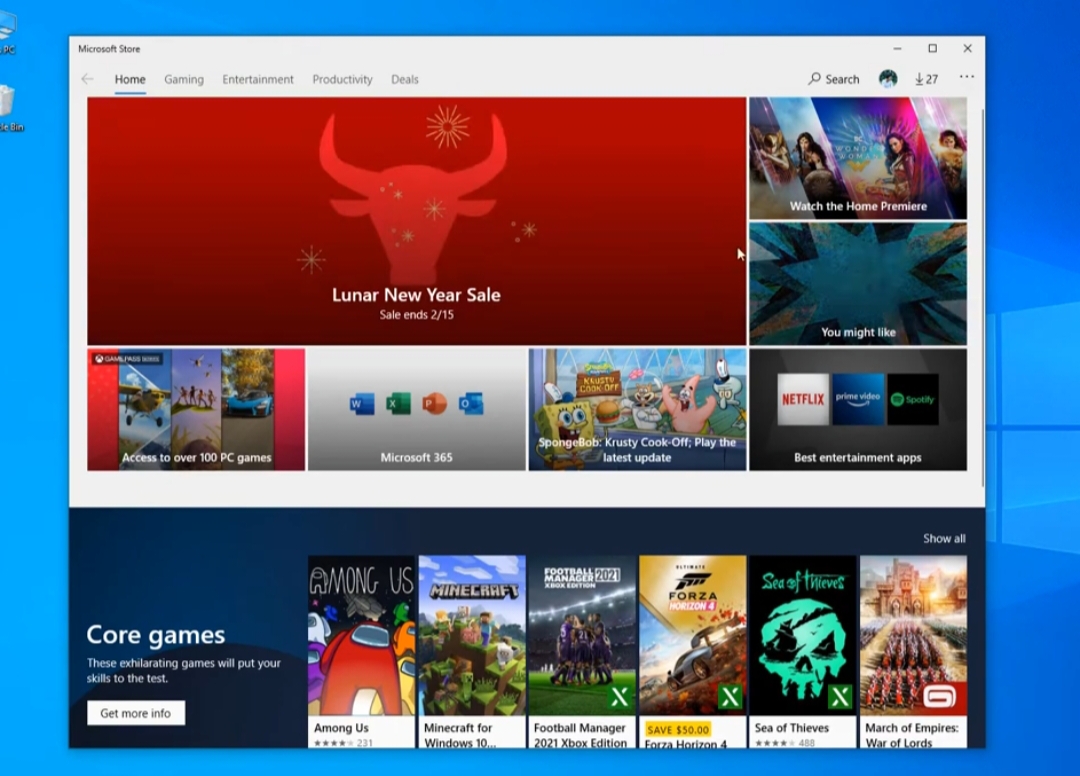
3But if you want to install any favorite apps or software then first tap on the Search Box given on the right side,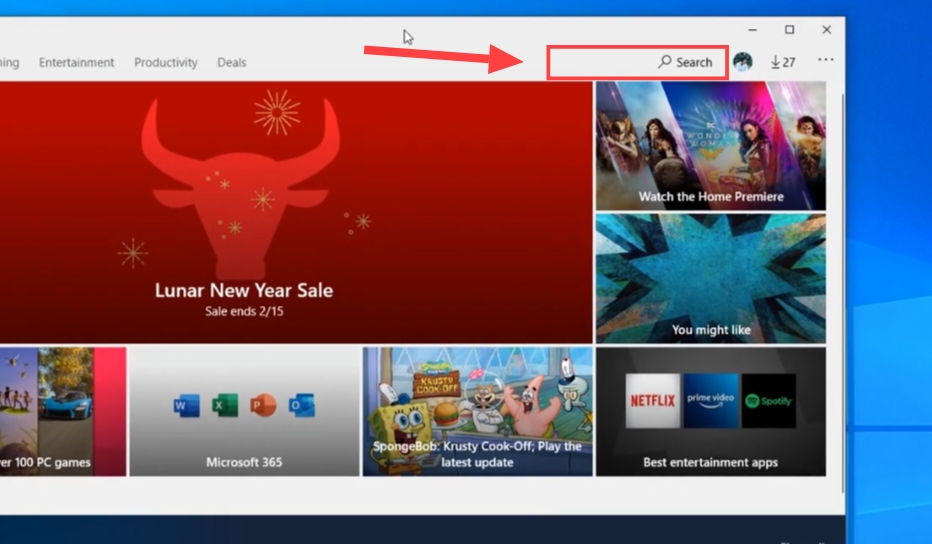
4Now enter the name of the software of your choice here and search,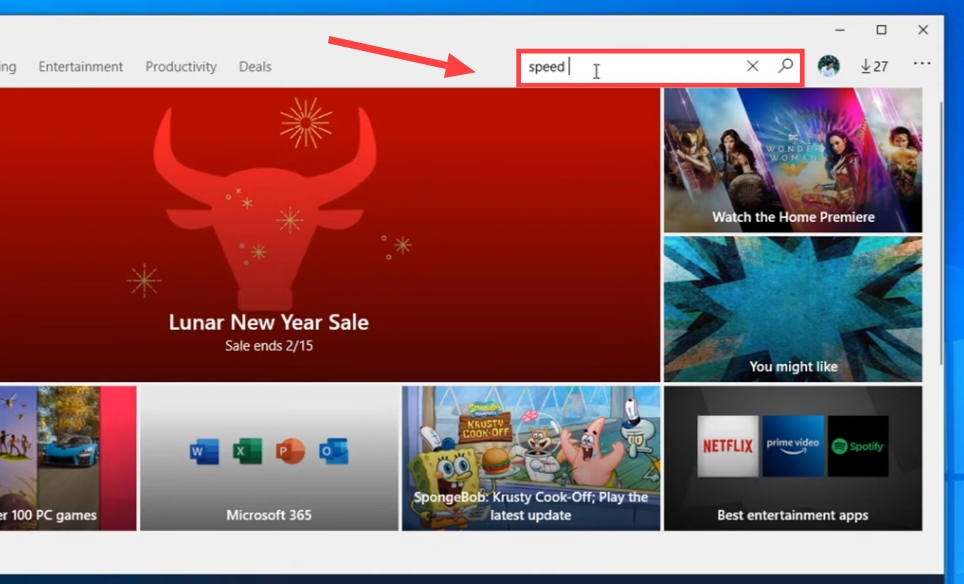
5Now tap on that software and then click on Get, After this, wait for the software to download,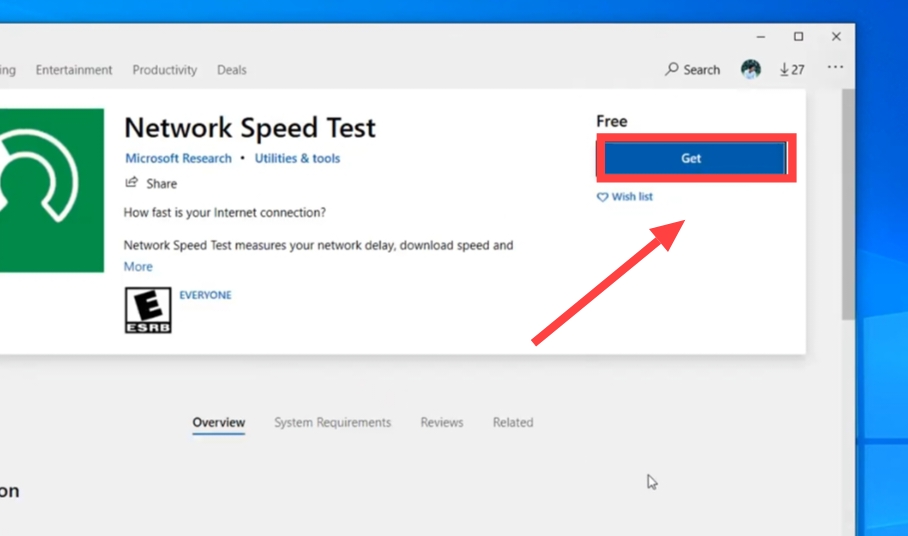
6As soon as the software is downloaded, you can open the software by tapping on Launch,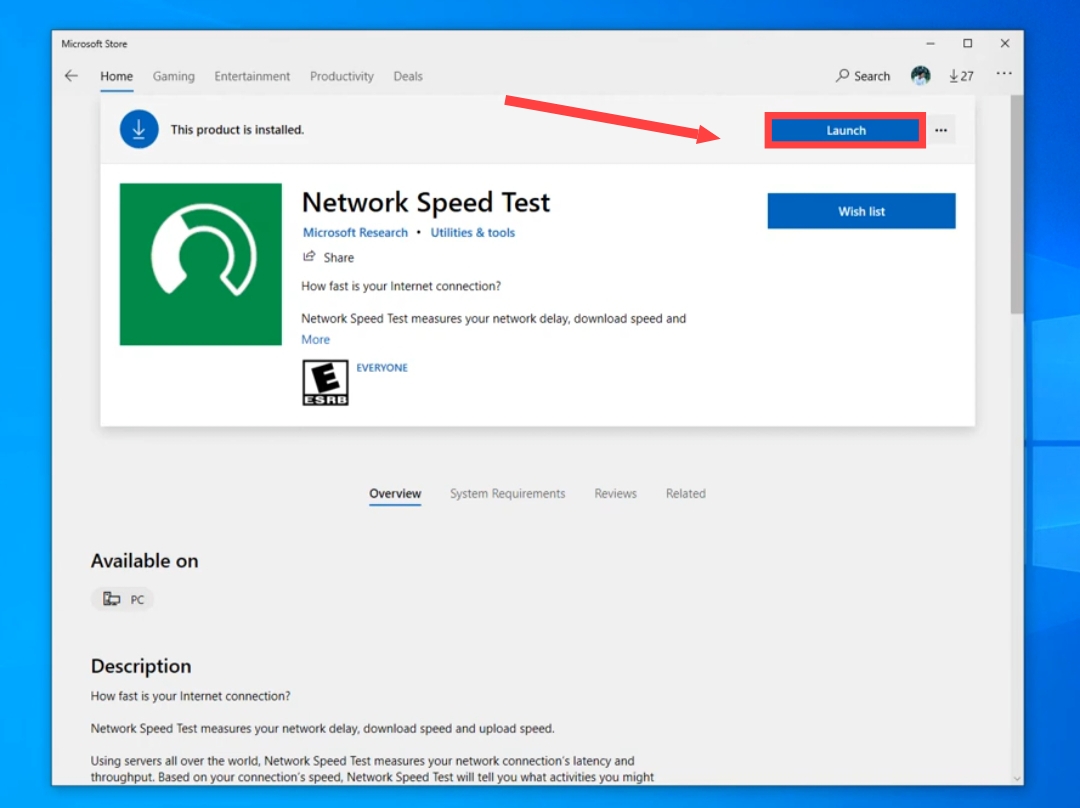
How to download any software from online website?
1First of all, open any browser in your computer, After that en.softonic.com Go to the website named.
2Now tap on the search box given here, Then search the name of whatever software you want to download,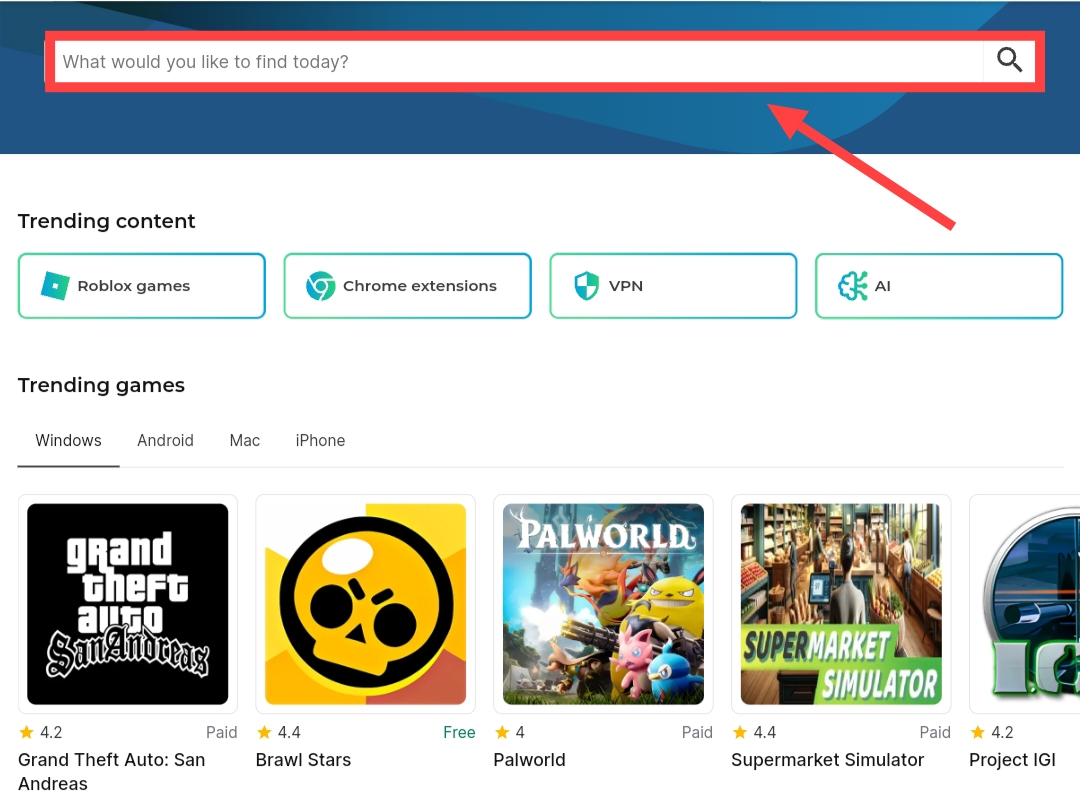
3Now after this click on Free Download For Window,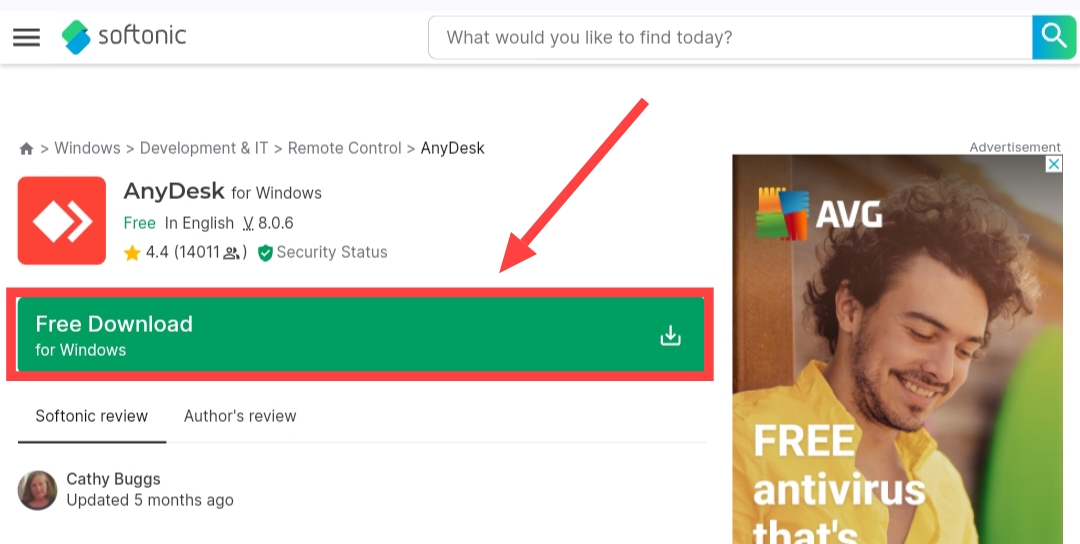
4Now you will come to the new page, Here click on Free Download For PC,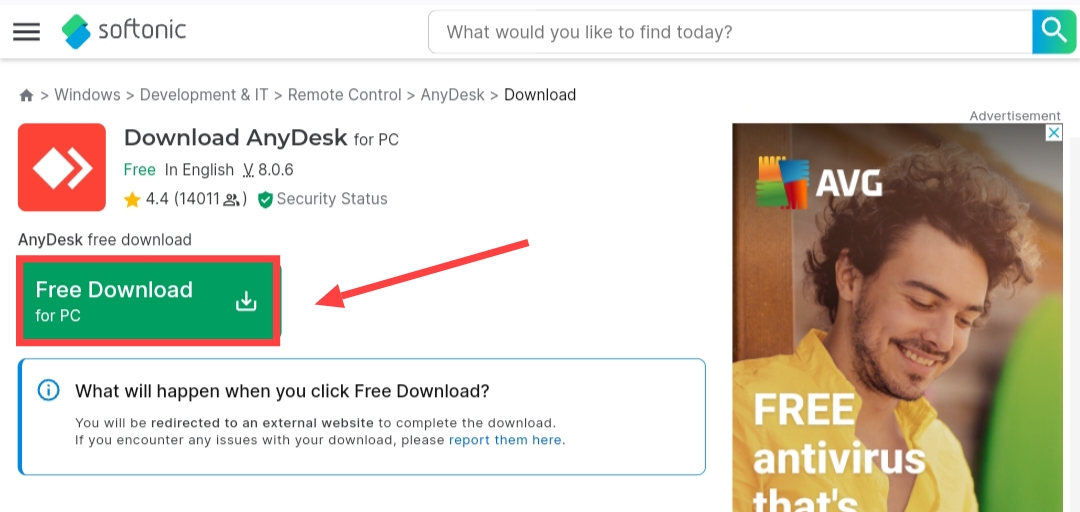
5Now after this tap on Download Now, Then downloading will start,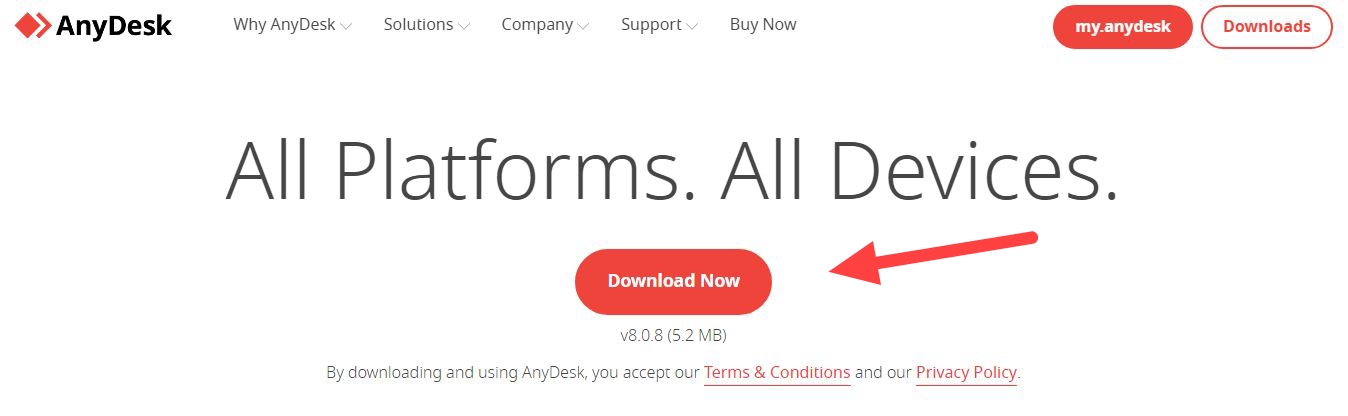
6As soon as the download is complete, tap on Show In Folder next to that software,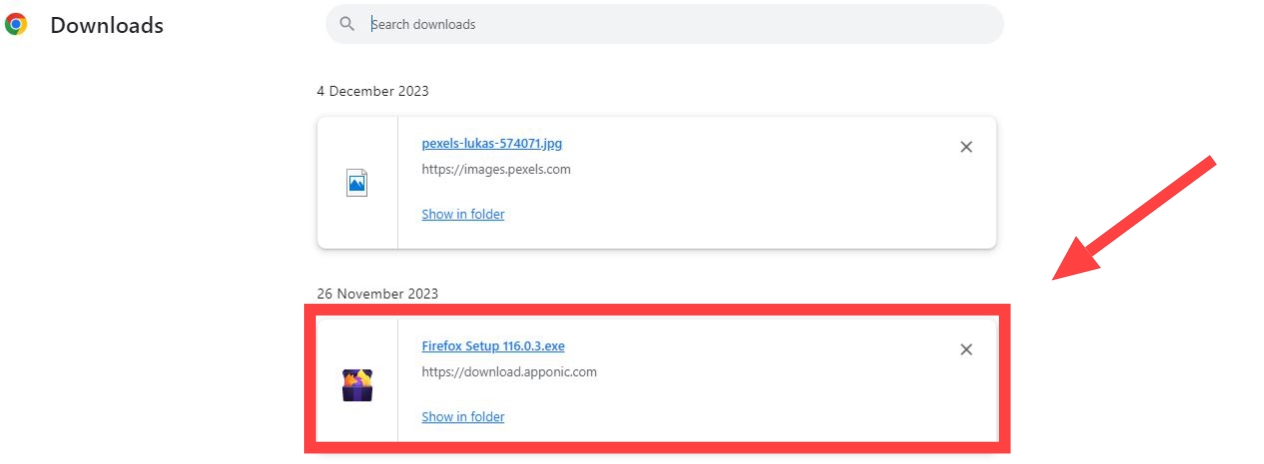
7Now after that you will come to the download folder of your PC, Here double tap on that software,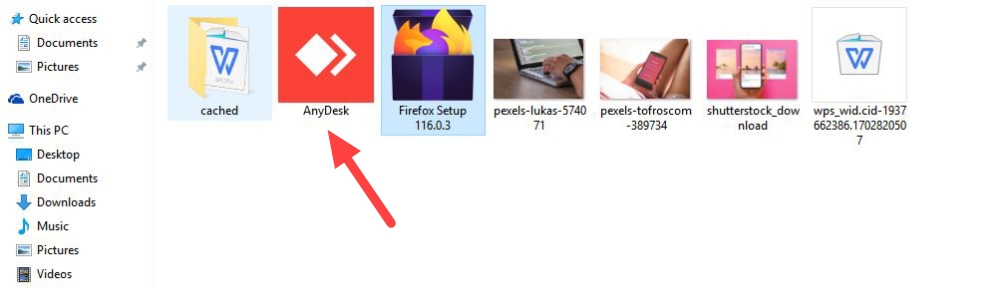
8Now after this tap on Accept & Install, In this way you can easily download and install any software in your PC,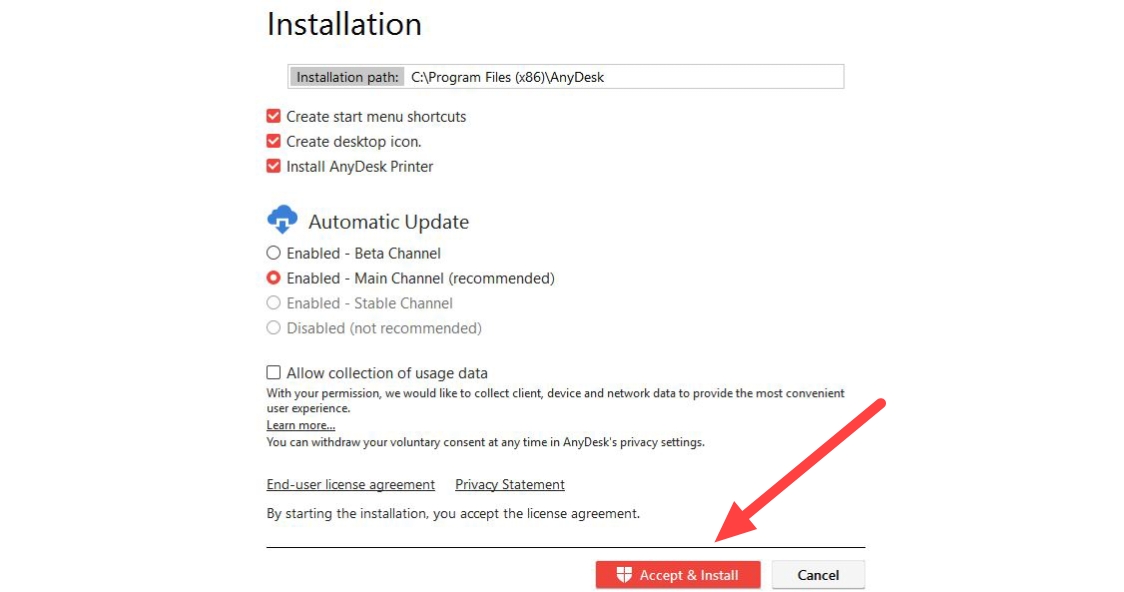
Also read;