Do you want to learn photoshop! So that you can edit photos in a great way, great posters, can make banners! even sitting at home passport size photo If you can then make this article How to learn photoshop? that too for free, It is going to prove useful for you.
Yes, learning Photoshop is an art in itself, By learning which you can bring that skill within yourself with which you can create any photo or visual Can give a new look.
What is photoshop?
Adobe Photoshop A photo editing for computer users & Graphic designing software. which is used in various types of digital Content Is done to make. Adobe Photoshop Name of the manufacturing company Adobe inc Is. This software was released for the first time last year 1988 Originally in Thomas & John Knoll Was developed by.
With this you can easily Logo designing, Poster Making Banners etc. can be made. but this Software Driving is not child’s play but it can be learned with practice over time. You can create many things in it, hence many people use this skill of using Photoshop to earn money.
Photoshop Tools In Hindi
Photoshop tools are very useful in creating a better and attractive design in less time.! So if you want to learn Photoshop then first you should learn the skills given in this software. Tools It becomes important to know about.
1. Move Tool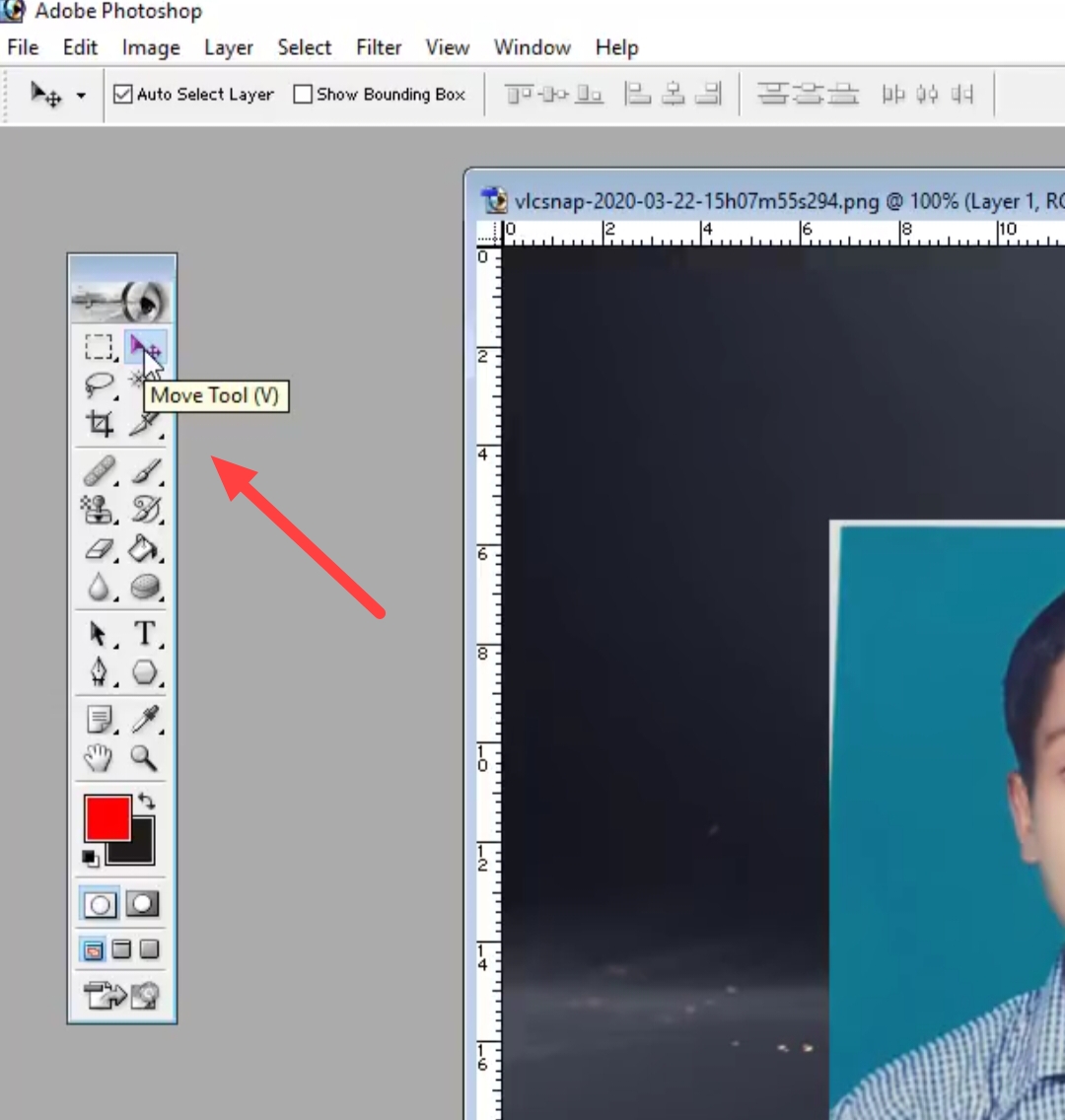
open any in photoshop image If you want to shift any part of a file from one place to another, you can use this Tool Can use.
2. Lasso Tool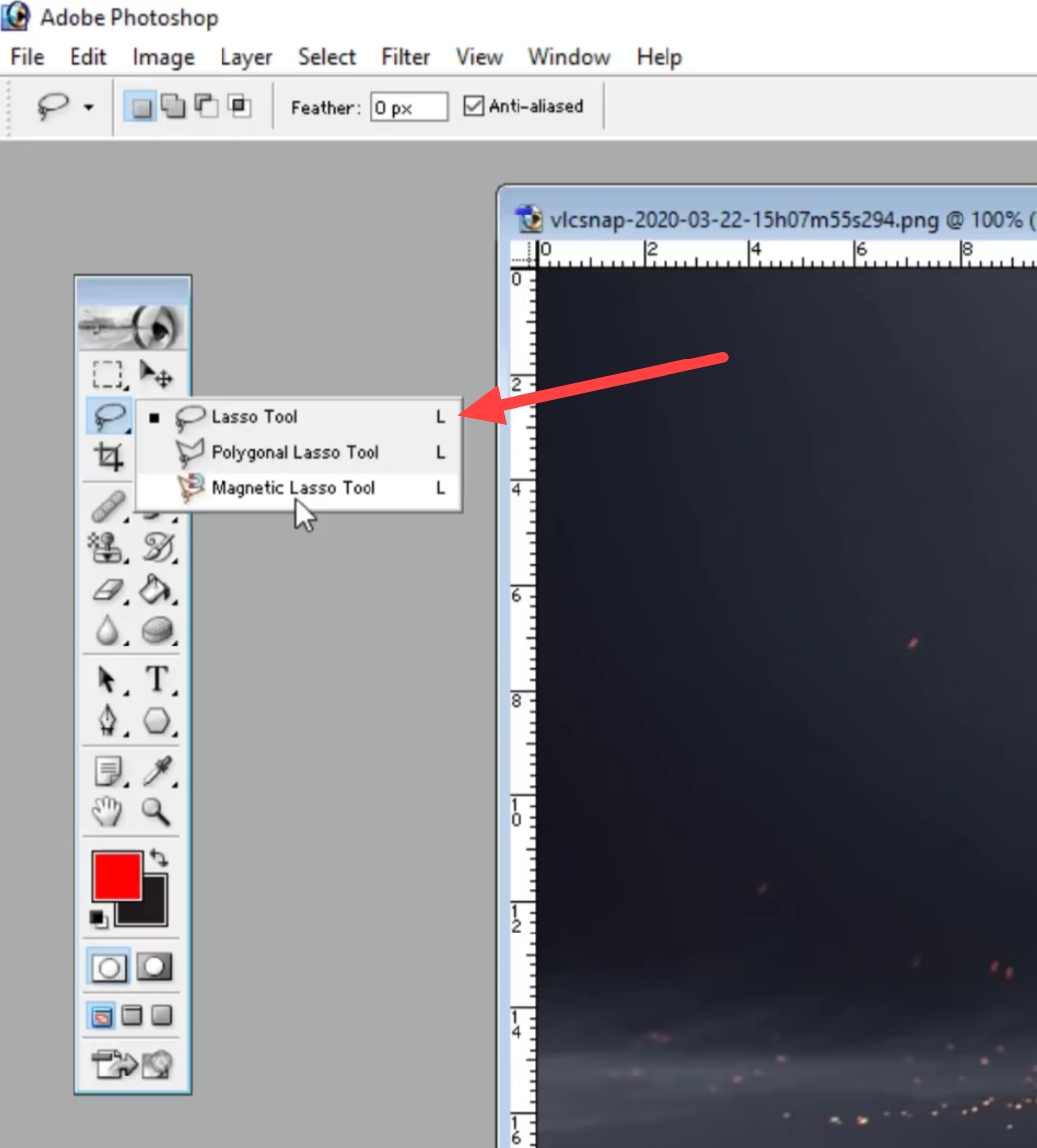
Lasso tool is used for any type of selection in the image.
3. Marquee Tool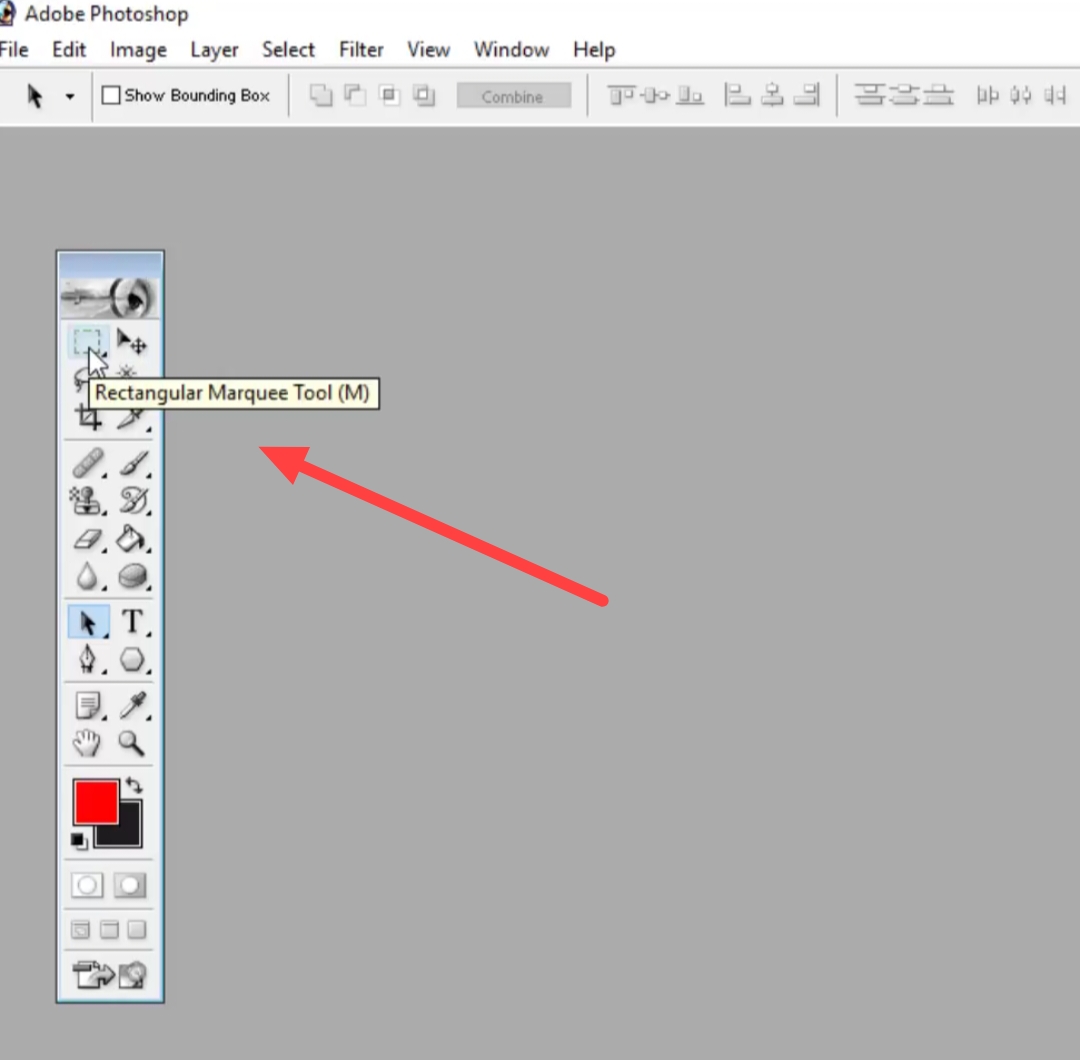
Using this tool any image can be given the desired shape.
4. Crop Tool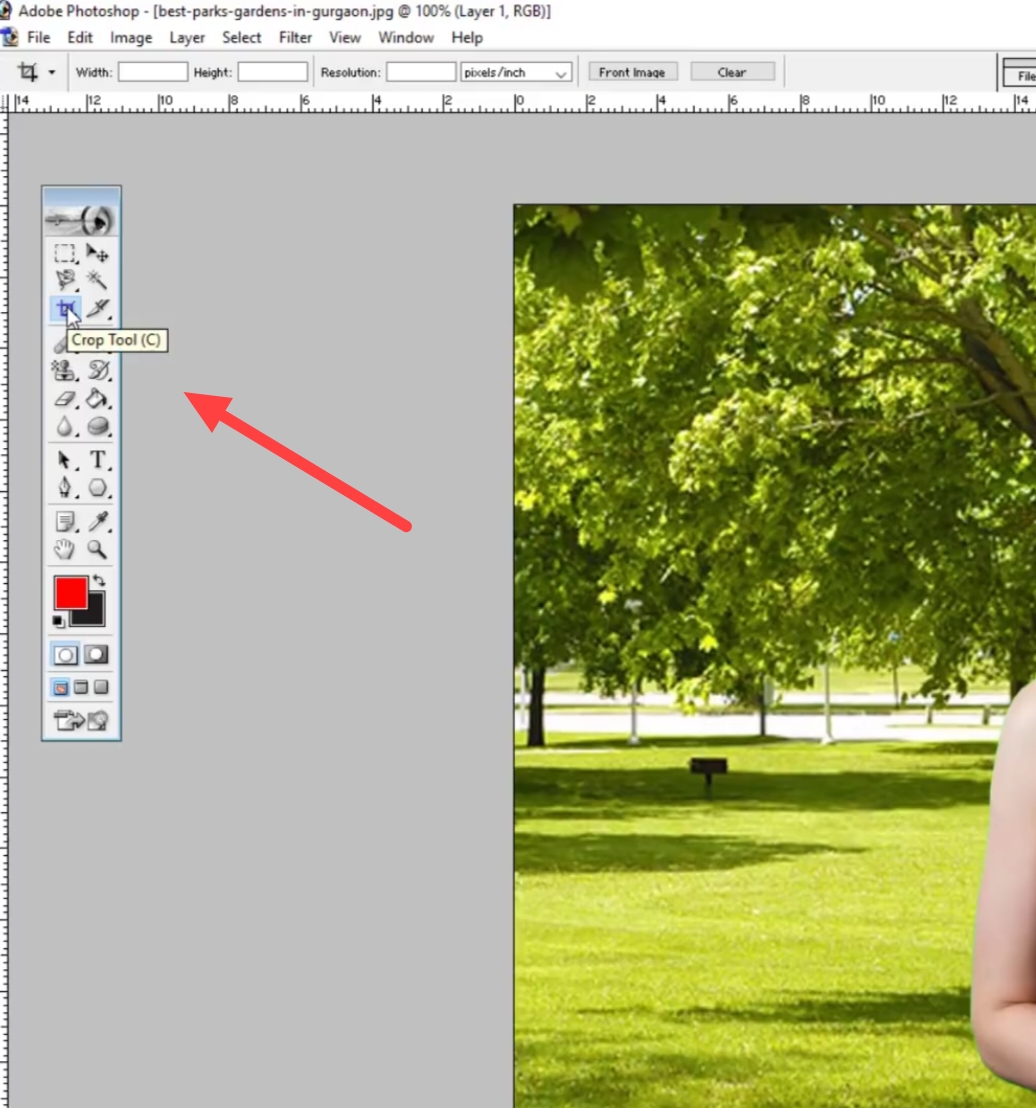
To adjust the size of an image Crop Can be done. For that in the photo shop you Crop tool Can use.
5. Slice Tool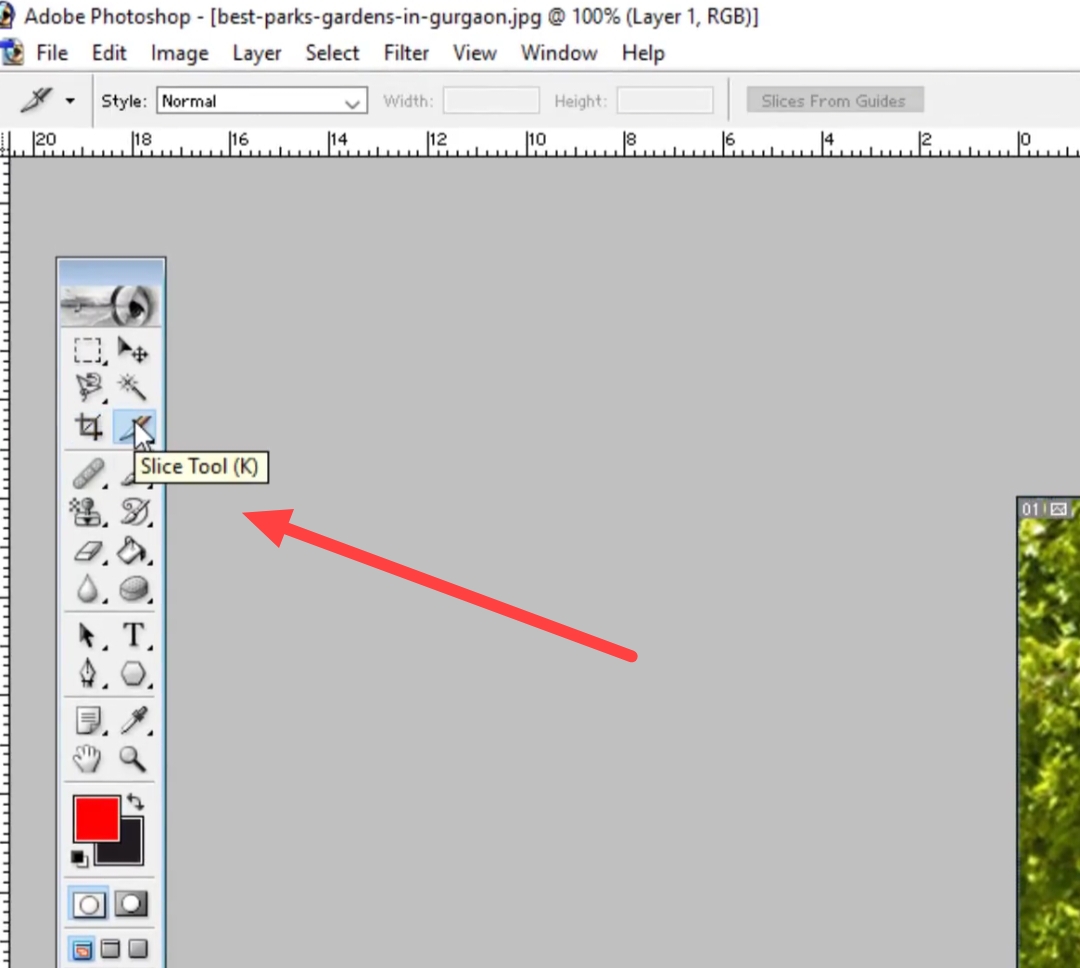
Use this tool to make an image element smaller.–It is done to divide into smaller parts. so that later they can be separated Export Can be done.
6. Frame Tool 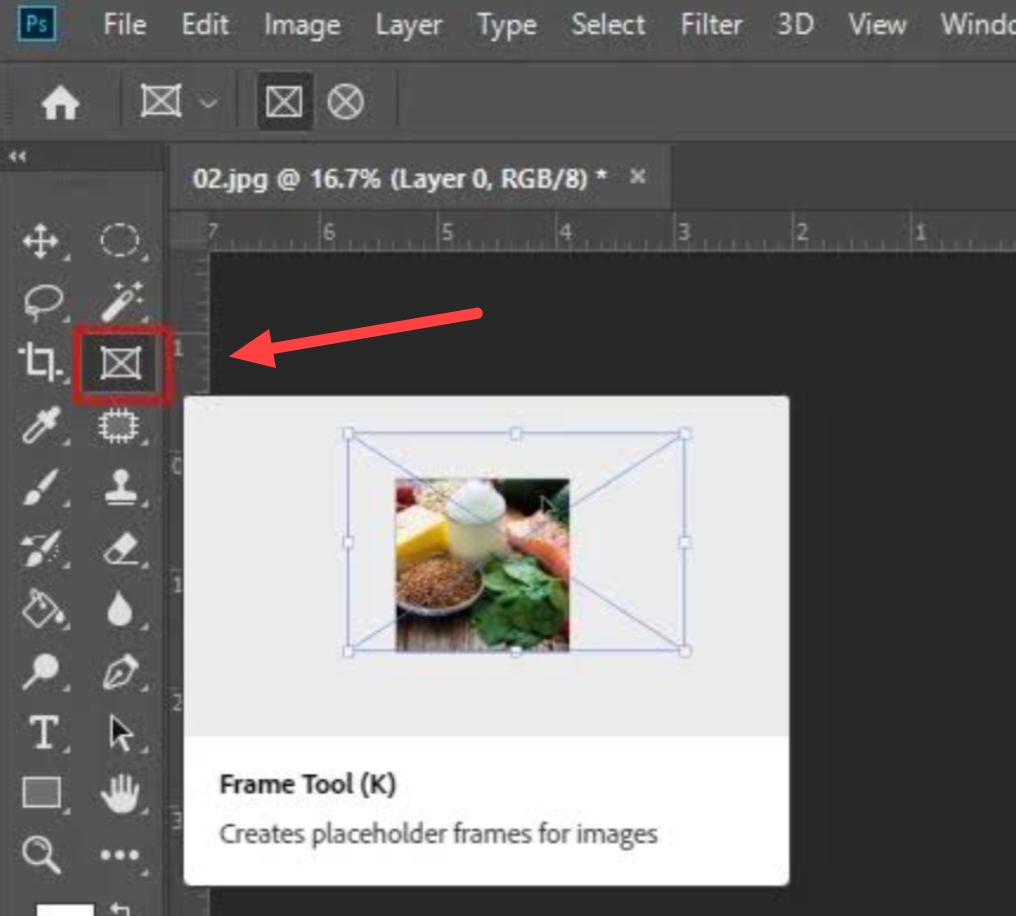
Photoshop CC 2019 With the help of this tool, you can put the image in rectangular or any shape.
7. Eyedropper Tool 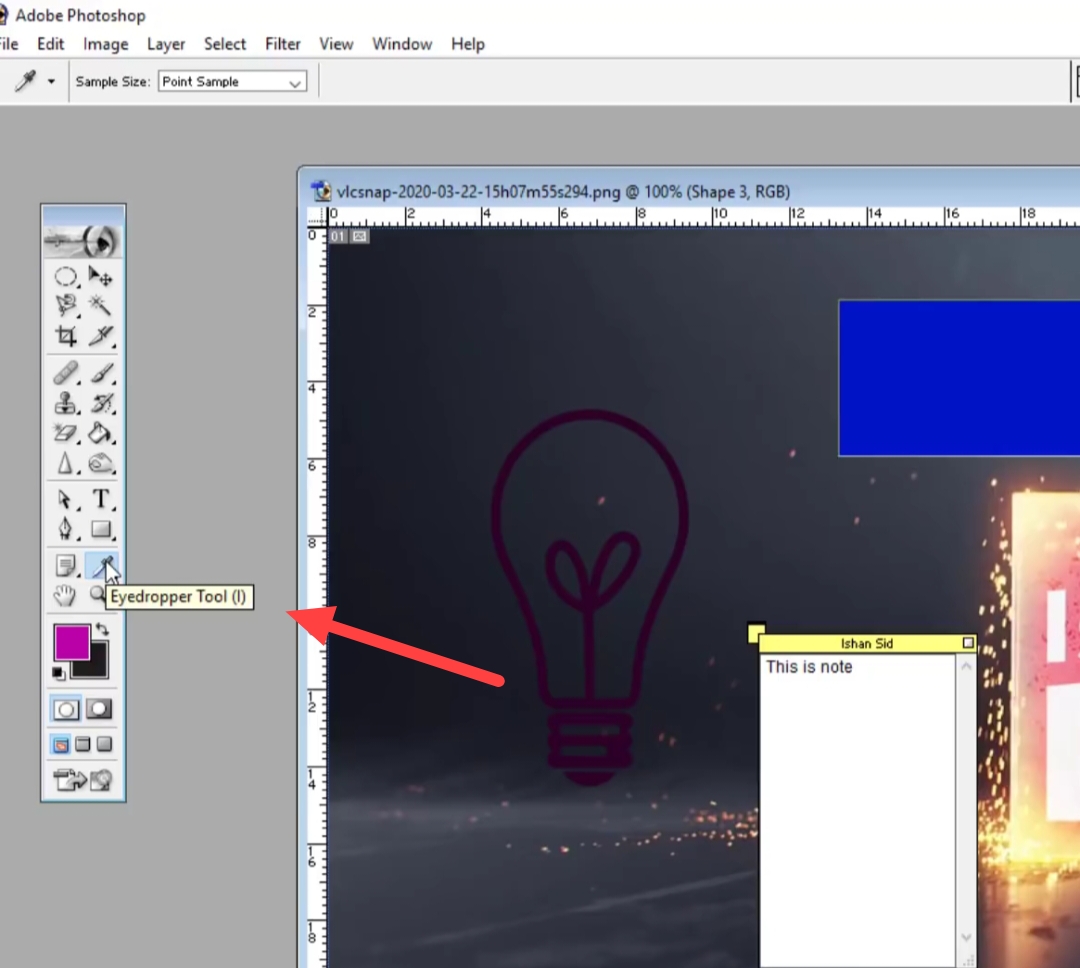
If you want to pick a color from an image, you can use the eye dropper tool.
8. Retouching And Painting Tools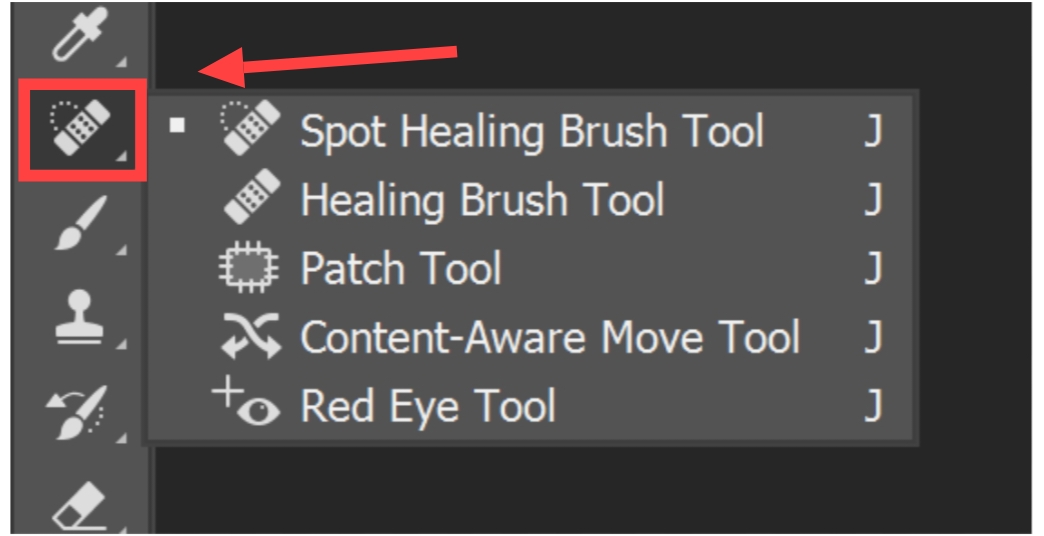
Spot Healing, Brush Tool It is mainly used in photographs of humans. Where if someone has spots on his face then Retouching tools those stain, Works to remove spots. This tool is used to correct the Red Eye in the photo.
9. Brush Tool
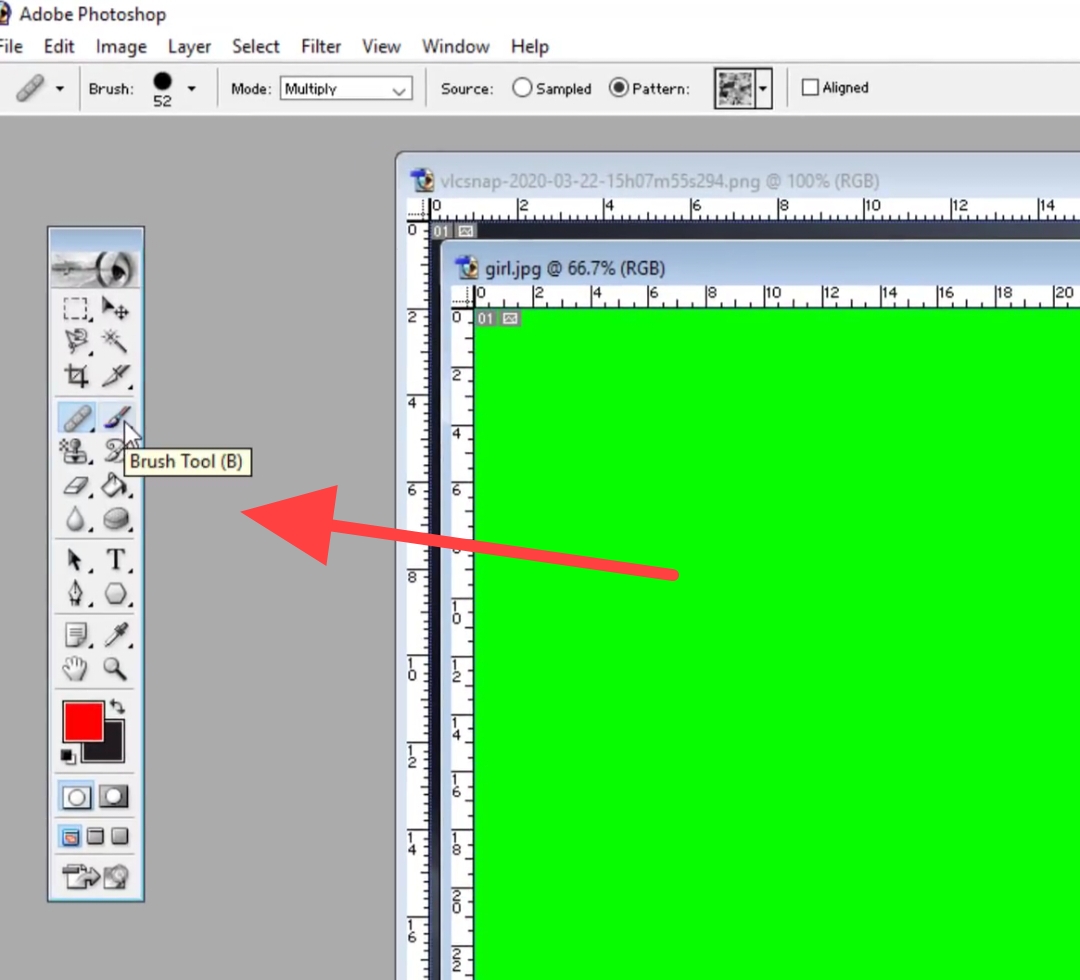
It is also called a primary tool of photo shop. Which is used for brushing in a layer mask.
10. Pencil Tool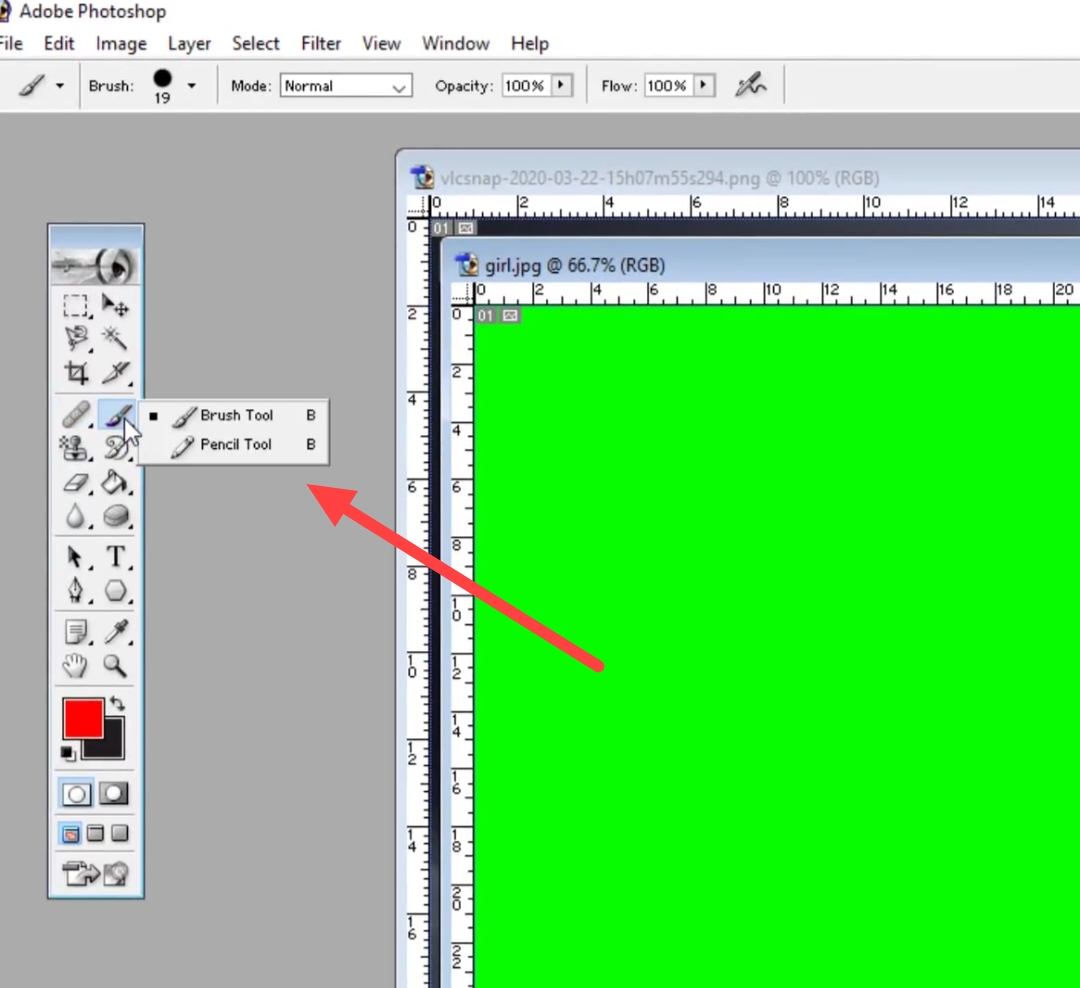
Photoshop Using the pencil tool is usually hard Edges Is done for.
11. Eraser Tool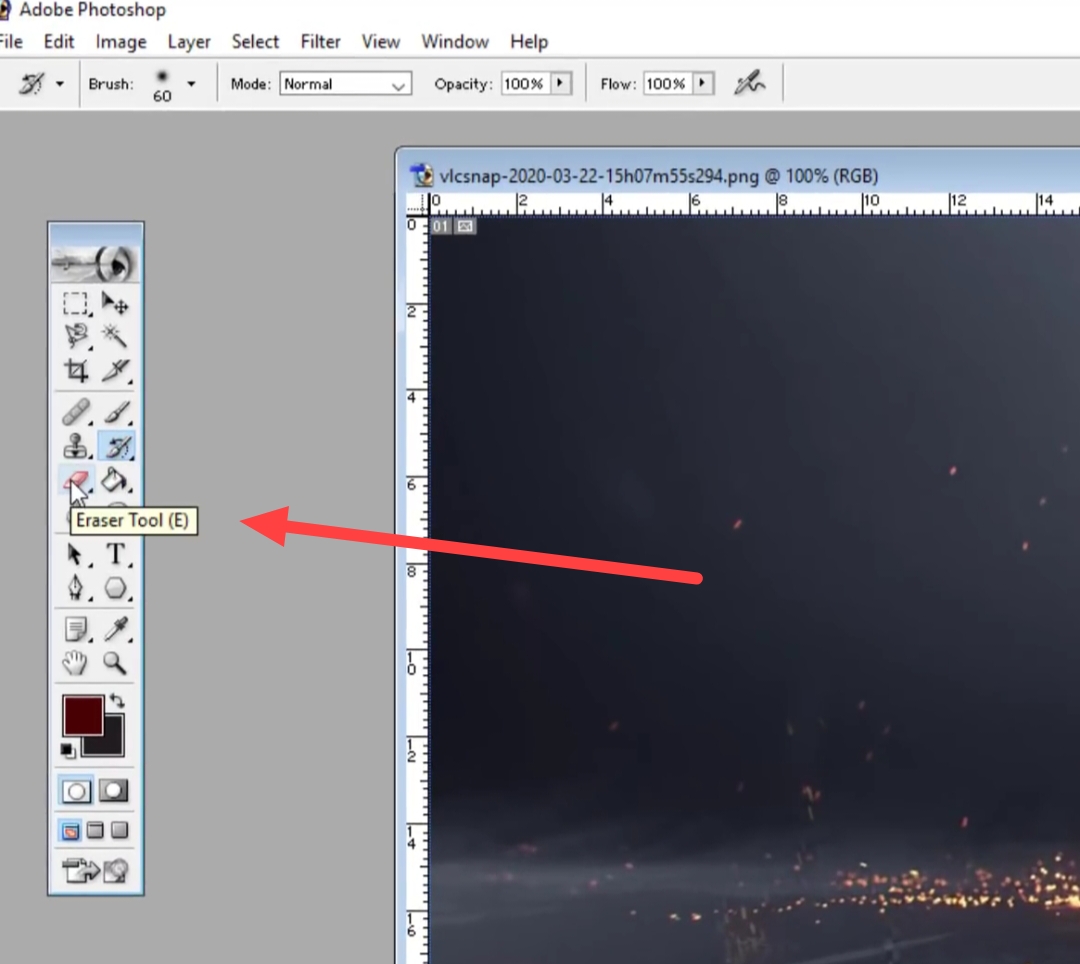
To delete pixels by selecting a layer Eraser Tool is used.
12. Gradient Tool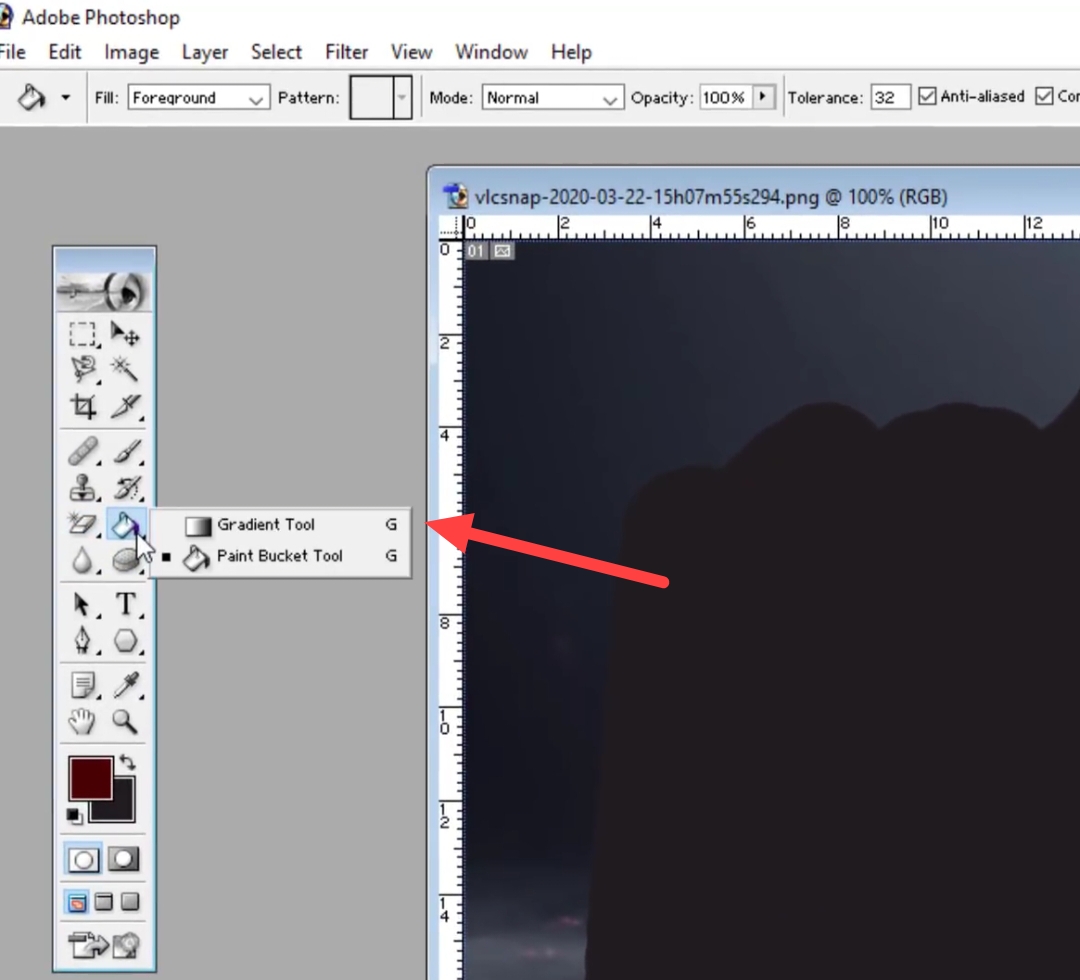
To use multiple colors, the gradient tool is selected. With the help of gradient tool editor you can create your own gradient.
13. Blur Tool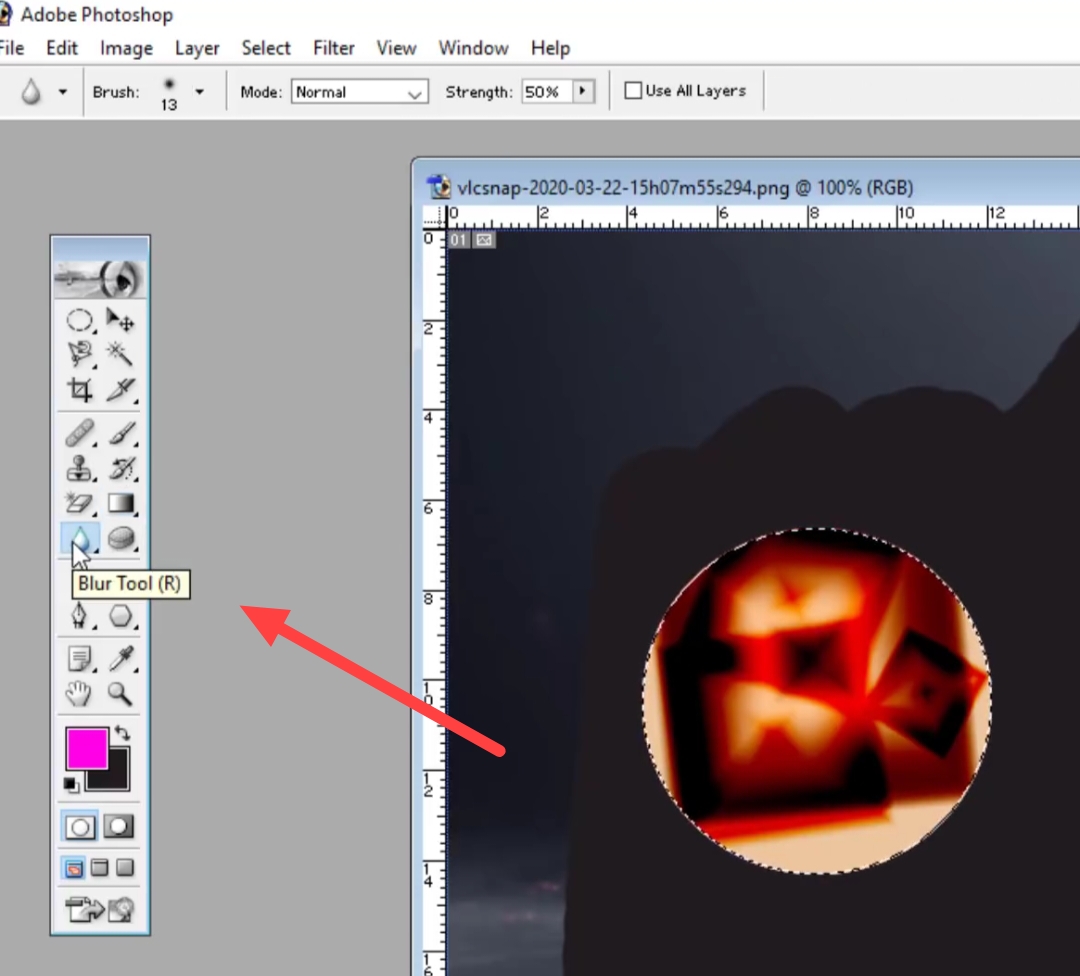
in the image Select To give blur effect to the selected area, use For and Area Soft to do Blur Tool is used.
14. Dodge Tool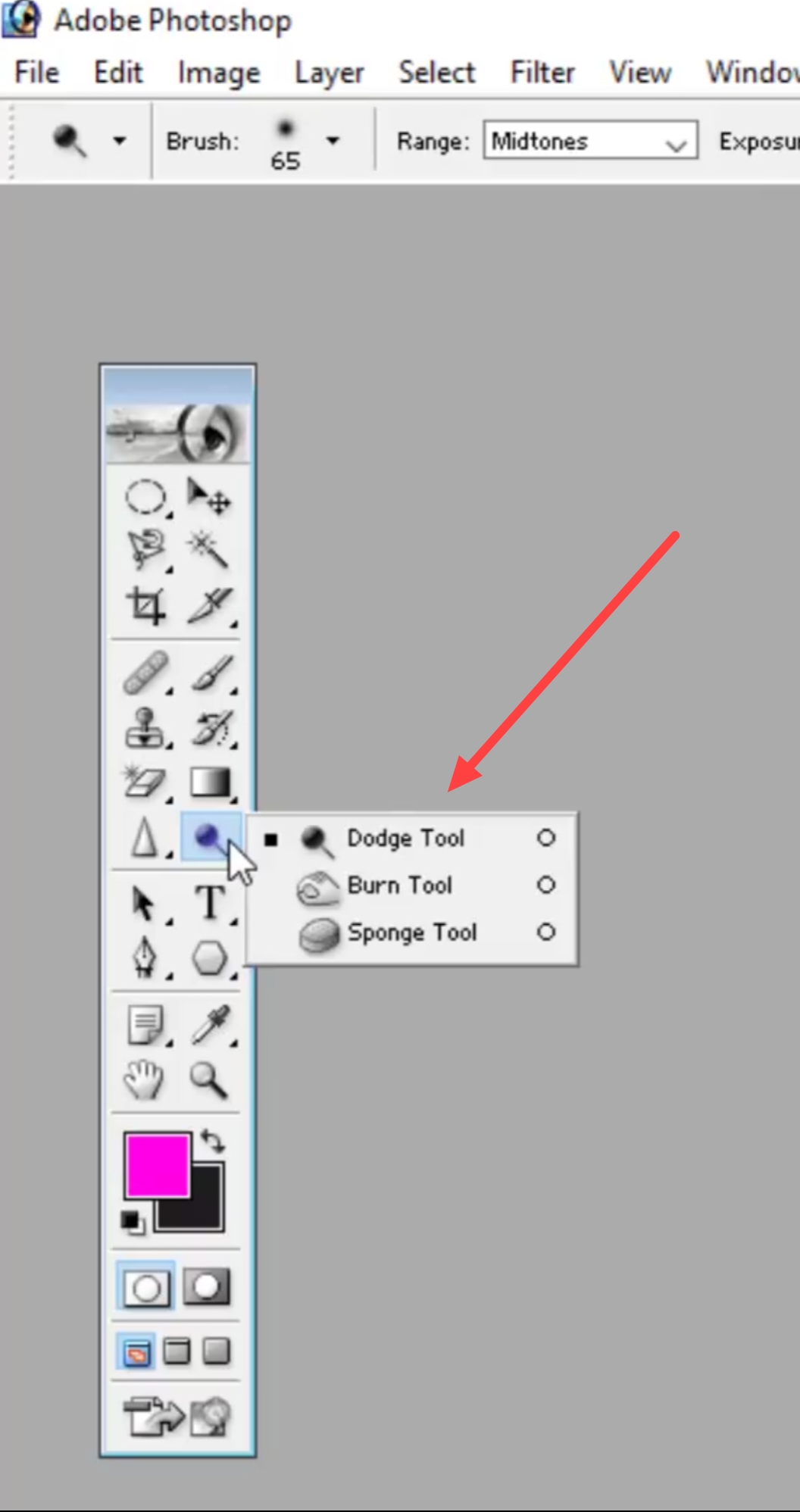
The Dose tool is used to brighten selected pixels.
How to learn photoshop?
After getting enough information about Photoshop, obviously you have in your mind how to learn Photoshop.? This question might be coming. Let us know how you can learn Photoshop sitting at home.
1. Open Photoshop
First of all, open Photoshop in your computer. If you open this software for the first time, you will see several Tools Will be visible.
2. Use tools
Marquee Tools, Lasso Tools, Blur tools Like many tools you can see in photo shop. so you have these Tools Practice with as many tools as you can to understand when to click and which tool is best used.
When you have complete knowledge of all these tools of Photoshop, then you can start practicing.
3. Take some photos and experiment
Now open any photo in your computer in Photoshop. Now to edit that photo use these steps given in Photoshop. Tools Use.
like many of you Image can be joined together, You can set color in them. you a Beginner like the way Ms paint I learned painting in in the same way Photoshop Can play with.
4. Watch Photoshop Tutorials
If you know all the functions of Photoshop and now you want to design a photo or banner in it! So a great way to learn this for free is to take the help of YouTube.!
YouTube but you Photo Editing Tutorial, Poster Making Tutorial etc. Whatever you search, you will get to see the tutorial related to it in your Hindi language.